

Smart Sleep Wake-Up for Better Rest
The Sleep Cycle app is designed to help users improve their sleep quality by leveraging intelligent monitoring to wake them during their lightest sleep phase. This approach aims to reduce morning grogginess and support a more natural awakening process. The app functions as a smart alarm clock, using motion and sound sensors on mobile devices to track sleep patterns over time. It analyzes sleep cycles and sets a window for waking, ideally aligning with the user’s lightest sleep phase within the last 30 minutes before the desired alarm time. This method is intended to help users feel more refreshed and alert upon waking, especially when compared to traditional alarms that may interrupt deep sleep.
Overview
The primary purpose of Sleep Cycle is to enhance sleep quality and improve morning alertness through intelligent wake-up timing. It targets individuals seeking better sleep hygiene, particularly those who frequently wake up feeling tired despite adequate sleep duration. The app is especially useful for people with irregular sleep schedules, shift workers, or anyone looking to develop healthier sleep habits.
By providing insights into sleep patterns, it supports users in identifying trends and making informed lifestyle adjustments. The developer, Sleep Cycle AB, has positioned the app as a health-focused tool rooted in sleep science, though specific details about the company’s background were not provided. Real-world usage includes setting a wake-up window, monitoring nightly sleep, and reviewing sleep scores and duration over time.
While the app is free, users may encounter limitations in advanced features or data export, though these were not specified.
Key Features & Capabilities
- Smart Wake-Up Technology – The app monitors sleep stages using device sensors to identify the optimal time to wake the user during light sleep, minimizing grogginess.
- Sleep Tracking – It records sleep duration and quality by analyzing movement and sound, offering users a daily sleep score and trend analysis.
- Customizable Wake-Up Window – Users can set a preferred wake-up time, and the app will trigger the alarm within a 30-minute window of lightest sleep.
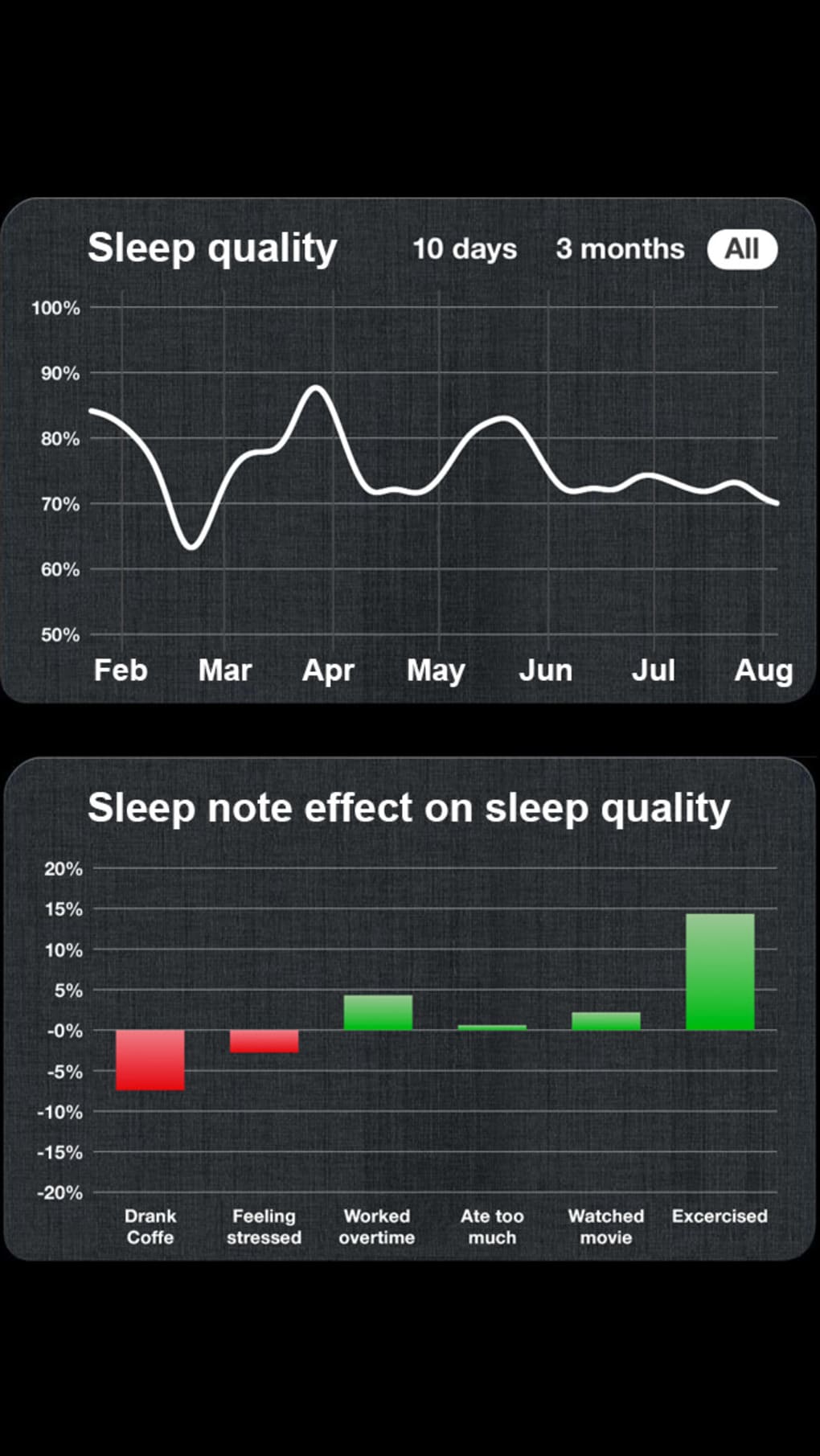
- Sleep Insights Dashboard – Provides visual summaries of sleep patterns, including deep sleep, light sleep, and awake periods, helping users understand their sleep behavior.
- Alarm Customization – Offers a range of alarm sounds and gradual wake-up options to support a gentler transition from sleep.
These features support users in building consistent sleep routines. For example, setting a wake-up time between 7:00 and 7:30 AM allows the app to adjust the alarm to the lightest sleep phase within that window. The sleep insights dashboard can help users notice patterns, such as frequent awakenings or short sleep duration, prompting lifestyle changes like reducing screen time before bed or adjusting caffeine intake. The app does not require external hardware, relying solely on the phone’s built-in sensors, which makes it accessible and easy to use.
User Interface, Workflow & Performance
The app features a clean, intuitive interface focused on sleep tracking and alarm management. Navigation is straightforward, with a central dashboard displaying sleep scores, duration, and recent trends. Users can quickly access settings, set alarms, and view historical data through clearly labeled menus.
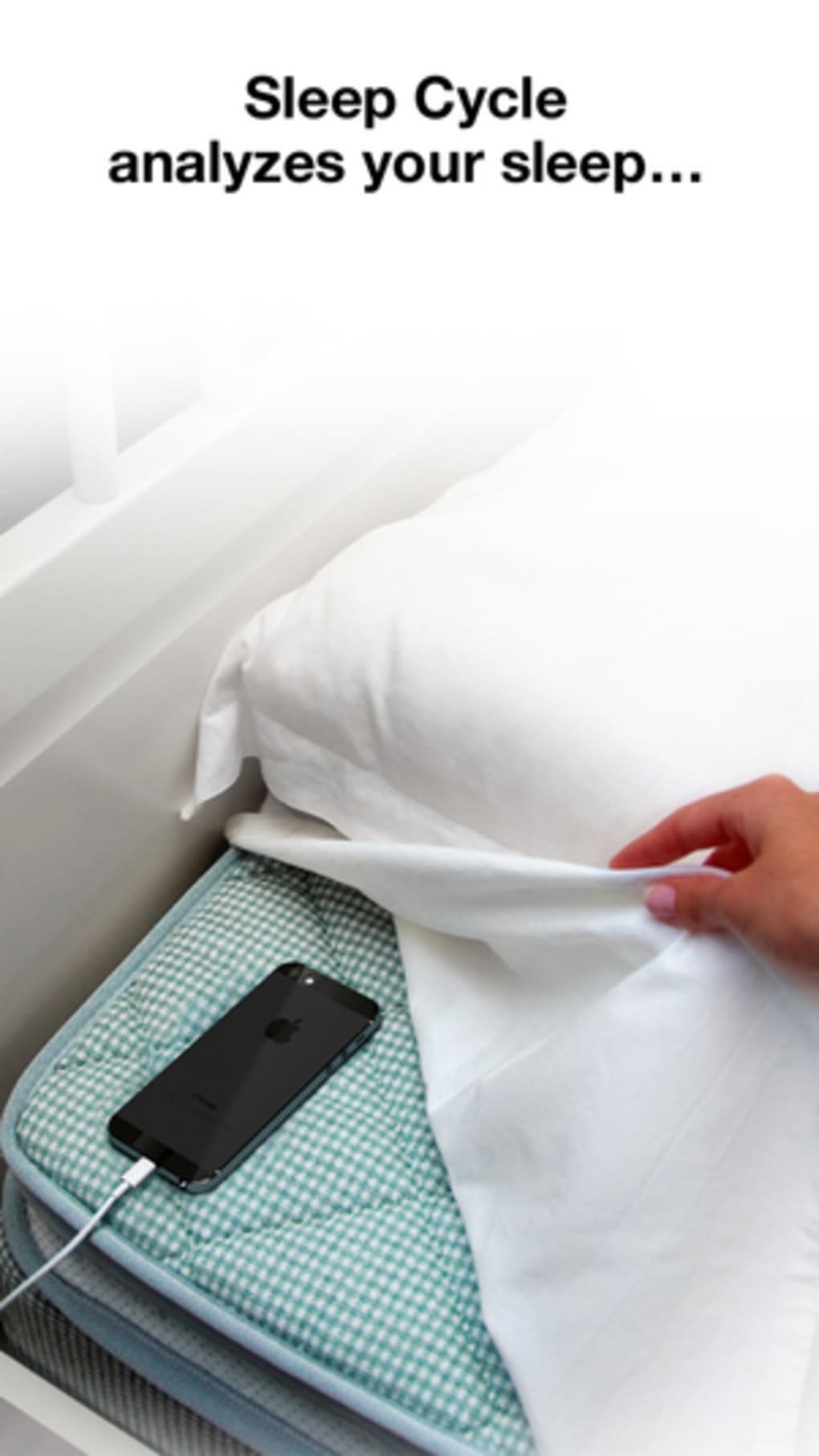
The workflow is designed to be minimal—users place their phone on the bed, set a wake-up window, and go to sleep. The app runs in the background, using motion and sound data to monitor sleep without requiring active input during the night. Performance is expected to be stable on modern smartphones, though the developer did not specify resource usage details.
General behavior suggests low CPU and RAM consumption, typical for background monitoring apps. Stability is likely maintained through regular updates, with the latest version released on May 15, 2024. No reports of crashes or significant bugs were mentioned in the provided information.
Compatibility & System Requirements
Sleep Cycle is compatible with both Android and iOS operating systems. The app has a file size of 48.7 MB, which is relatively lightweight for a mobile application. It supports devices running the latest versions of these platforms, though exact hardware requirements were not listed.
The developer did not provide detailed system specifications, such as minimum RAM, processor speed, or storage needs. Compatibility information is limited to the operating systems, with no mention of tablet support or desktop versions. Users should ensure their device has functional motion sensors and microphone access, as these are essential for sleep monitoring.
The app requires permission to access these sensors, which may vary slightly depending on the device manufacturer and OS version.
Pros and Cons
Pros
- Intelligent wake-up timing reduces morning grogginess
- Free to download and use with no upfront cost
- Simple setup and intuitive interface
- Provides actionable sleep insights through visual dashboards
- Uses device sensors without requiring additional hardware
Cons
- Accuracy depends on device placement and sensor quality
- May not work reliably for users who move excessively during sleep
- Some users might become anxious about sleep data, worsening insomnia
- Does not track sleep in real-time or provide detailed sleep stage breakdowns
- Limited customization for advanced users
FAQ Section
Is Sleep Cycle available for both Android and iOS?
Yes, Sleep Cycle is available on both Android and iOS platforms, making it accessible to a wide range of smartphone users.
Is the app safe to use on my phone?
Yes, the app uses only the phone’s built-in sensors and does not collect personal data beyond what is necessary for sleep tracking. It does not access private messages or files.
How often does the app update?
Updates are released periodically by the developer, with the latest version published on May 15, 2024. Users are encouraged to keep the app updated for optimal performance.
Does Sleep Cycle require an internet connection?
Basic functionality, including sleep tracking and alarm setting, works offline. However, some features like syncing data across devices may require an internet connection.
Can I use Sleep Cycle without a subscription?
Yes, the app is free to download and use. While premium features may exist, the core functionality is available at no cost.
Final Thoughts + CTA
Sleep Cycle stands out as a practical and accessible tool for improving morning alertness through intelligent wake-up timing. Its focus on natural sleep rhythm aligns with growing interest in sleep health and wellness. While it does not replace medical sleep diagnostics, it offers a user-friendly way to monitor and refine sleep habits.
The app is ideal for individuals seeking to feel more refreshed after sleep, especially those with irregular schedules or difficulty waking up. With a clean interface, reliable core features, and a free model, it delivers strong value. For anyone looking to enhance their sleep quality without investing in specialized equipment, Sleep Cycle provides a solid starting point.
Download Sleep Cycle now.







